Free template · Research
Social media audit template
A social media audit is a regular health check of every account you run: who has access, whether the profiles are consistent, what's performing and what to change. This template walks through it in four sheets and ends with an action plan.
Preview
What's inside
- Account inventory: every profile, its owner, who has access, two-step verification and the last post
- Profile, access and content checks
- A performance review by platform, with posts per week and engagement rate calculated
- An action plan with owners, priorities and due dates
- A quarterly calendar reminder
The columns, explained
- Platform
- One row per account; regional and campaign accounts count.
- Handle or name
- As it appears on the platform.
- Profile URL
- So anyone can open it from the sheet.
- Owner
- The one person responsible for it.
- Who has access
- Every person, agency or app that can log in or post.
- 2-step verification
- Whether two-step verification is on.
- Last post
- Date of the most recent post.
- Status
- Active, dormant (no posts in months) or one to retire.
- Notes
- Anything that needs fixing.
How to use this template
List every account
Search each platform for your brand name and check old staff emails: forgotten accounts are common.
Check profiles and access
Run the checklist for each active account, starting with who can log in.
Review performance
Use the same 90 days for every platform. The sheet works out posts per week and engagement rate.
Agree the actions
Turn what you found into a short list with owners and dates, and review it in a month.
Tips
- Look for accounts you didn't know about: old campaign handles, regional pages and profiles someone created years ago.
- Treat access as part of the audit. Removing a former employee or agency can be the most important fix of the whole exercise.
- Compare platforms on rates (engagement rate, growth), not raw totals: big accounts always win on totals.
- Decide what to stop, not just what to add. A platform that takes hours and returns little is a candidate to pause.
- Save each audit, so the next one can show what changed.
Do this automatically in HeyOrbit
Keep every account in order with HeyOrbit
- Accounts connect through each platform's official login, so passwords are never passed around.
- Five roles from owner to viewer, and an audit history of who did what.
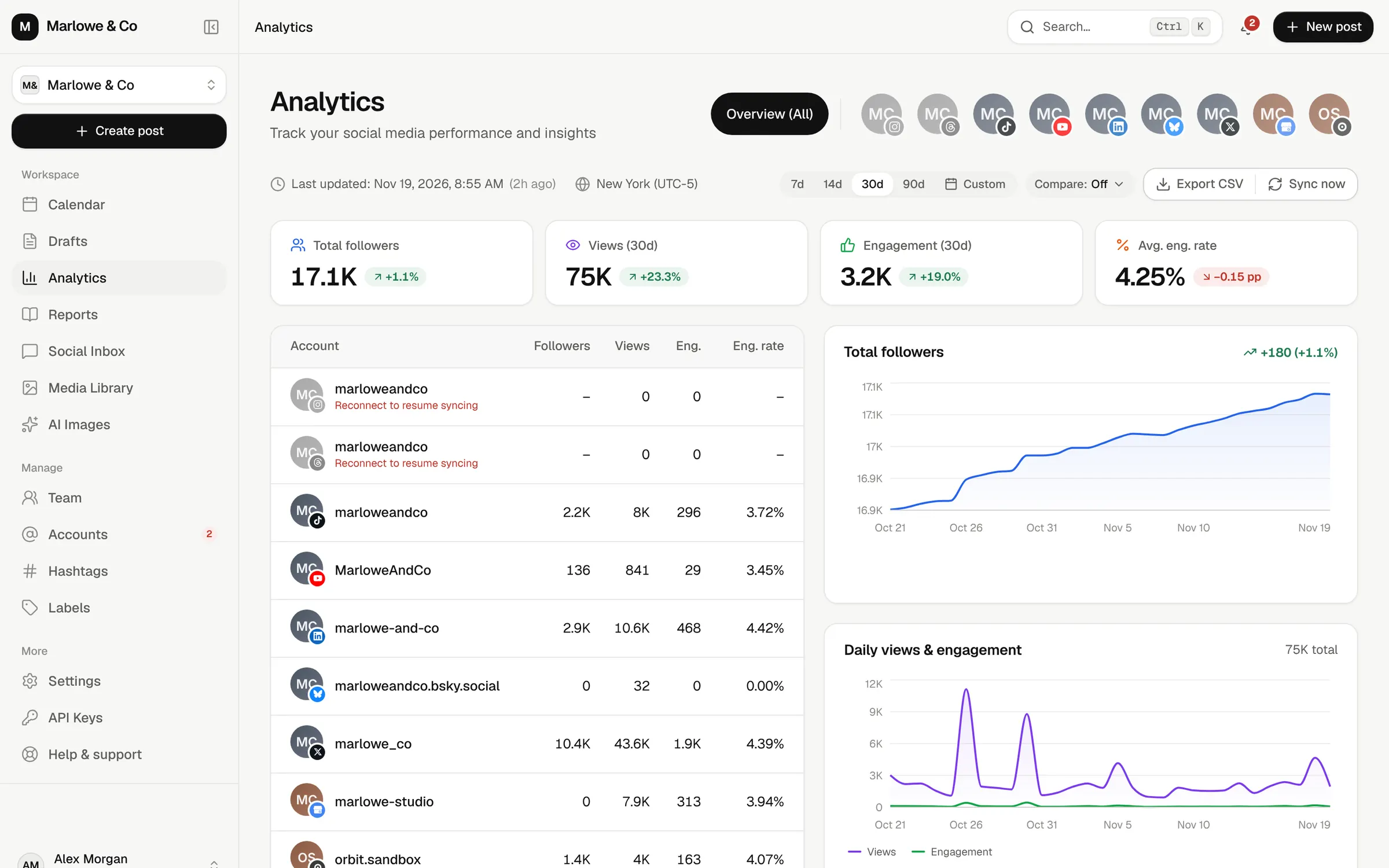
- Analytics for every account side by side, measured the way each platform reports.
- Unlimited workspaces keep each brand's accounts, people and posts separate.
Free to sign up. You pay $6 (₹499 in India) a month for each social account you connect, with unlimited team members. Book a call if you'd like a walkthrough.