Free template · Community
Community management playbook template
A community management playbook is the shared answer to "how do we handle this comment?". It sets who replies to each kind of comment, message or review, how fast, in what words, what gets removed and when something goes to a manager.
Download free · no sign-up
Preview
Response matrix
Example: a small ceramics brand with a two-person social team. Targets are in working hours.
Saved replies
Starting points, not scripts: add the person's name and one specific detail.
Moderation rules
Publish the rules, then apply them the same way every time.
Publish your rules
- Community guidelines linked from your profile or a pinned post
- Say what you remove and why: abuse, spam, personal data and illegal content
Hide or delete
- Spam, scams and phishing links
- Abuse, hate and harassment
- Personal data posted in publicPhone numbers, addresses, order details. Move the conversation to DMs.
- Explicit or illegal content
Leave up and reply
- Criticism and negative reviews, even harsh onesDeleting fair criticism usually makes it louder. Reply calmly instead.
- Awkward questions about prices, delays or mistakes
Block or report
- Repeat offenders, after a warning
- Accounts impersonating the brand: report them to the platform
- Threats: screenshot, report and escalate straight away
Keep a record
- Screenshot anything serious before removing it
- Note what was removed, when and under which rule
Escalation
Who to call, and what to send them.
Contacts
- Social leadName, phone and hours.
- Maya, +00 0000 0000, weekdays 9 to 6
- Support leadFor orders, refunds and replacements.
- Sam, support@acmeceramics.example
- Legal or complianceFor threats, legal claims, safety and personal data.
- Our solicitor, via the founder
- Out of hoursWho is on call, and what counts as urgent enough to call them.
- The founder, for anything marked Urgent.
Rules
- What to sendWhat the person you escalate to needs, in one message.
- A link, a screenshot, a one-line summary and what you've already said.
- Who can post an official statementEveryone else waits for it.
- The founder, after checking with the social lead.
What's inside
- A response matrix: each message type with its priority, reply target, owner, action and when to escalate
- Saved replies for the questions and complaints that come up every week
- Moderation rules: what you remove, what you leave up and reply to, and when to block or report
- Escalation contacts and rules, including out of hours
- A version to copy into your own docs
The columns, explained
- Message type
- Group what comes in by what it needs, not by platform.
- Reply within
- A target you can staff. Say your hours in your bio.
- Owner
- A role, so it still works when someone is away.
How to use this template
List what comes in
Go through a month of comments, messages and reviews and group them by what they need.
Set priorities and owners
Decide how fast each type needs a reply, during which hours, and which role owns it.
Write the saved replies
Draft answers to the questions you get every week, in your brand voice.
Agree moderation and escalation
What you remove, what you leave up, and who to call when something is serious.
Tips
- Reply in public once, then move personal details to DMs. Never ask for an order number or address in a comment.
- Make reply targets something you can staff, and say your hours in your bio so people know when to expect an answer.
- Instagram and Facebook messages can't wait days. Meta allows standard replies within 24 hours of the person's last message, and replies written by a person for up to 7 days.
- A question you answer every week deserves a post, a pinned FAQ or a highlight of its own.
- Review the matrix monthly. New questions turn up, and a rising complaint is often the first sign of a bigger problem.
Do this automatically in HeyOrbit
Run the playbook from one inbox in HeyOrbit
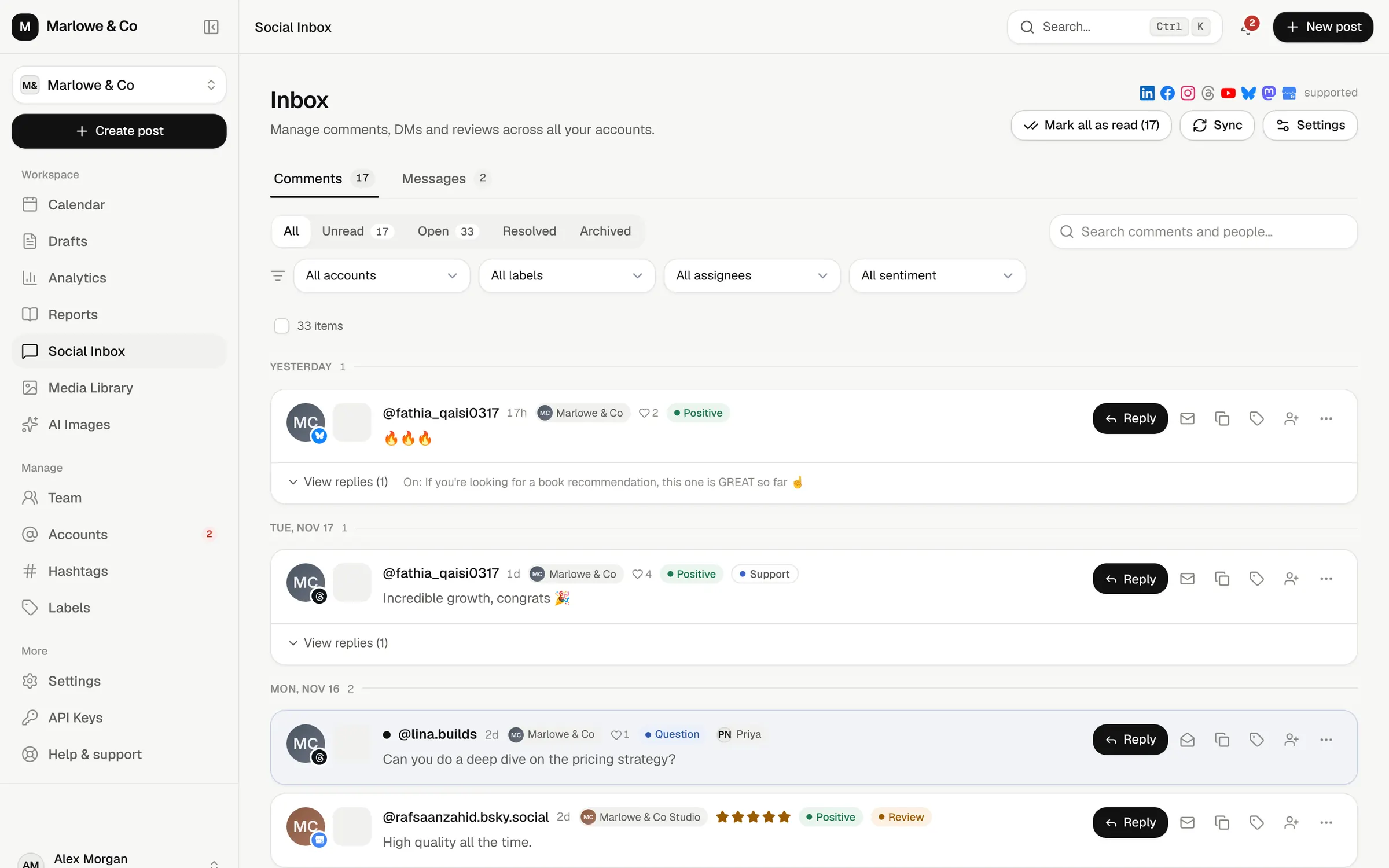
- Comments, messages and reviews in one inbox, with sentiment tagged and questions and spam flagged.
- Assign conversations to the owner in your matrix, or share them out automatically.
- Saved replies, labels and bulk actions, with auto-clear rules for emoji-only reactions and spam.
- With the optional AI Studio add-on, AI drafts replies in your brand voice for you to edit.
Free to sign up. You pay $6 (₹499 in India) a month for each social account you connect, with unlimited team members. Book a call if you'd like a walkthrough.